Your Team Wants Claude in Microsoft 365. Here Is What Happens If They Use Personal Accounts.
We keep hearing the same request. A manager or owner says their team already uses AI, and they want it hooked into Microsoft 365. Often the plan is for staff to sign in with their own personal Claude or ChatGPT accounts. And there is no AI acceptable use policy in place.
It sounds like a small favor. It is a decision about who owns your company’s data. Here is how we think about it.
What “connect it to 365” actually means
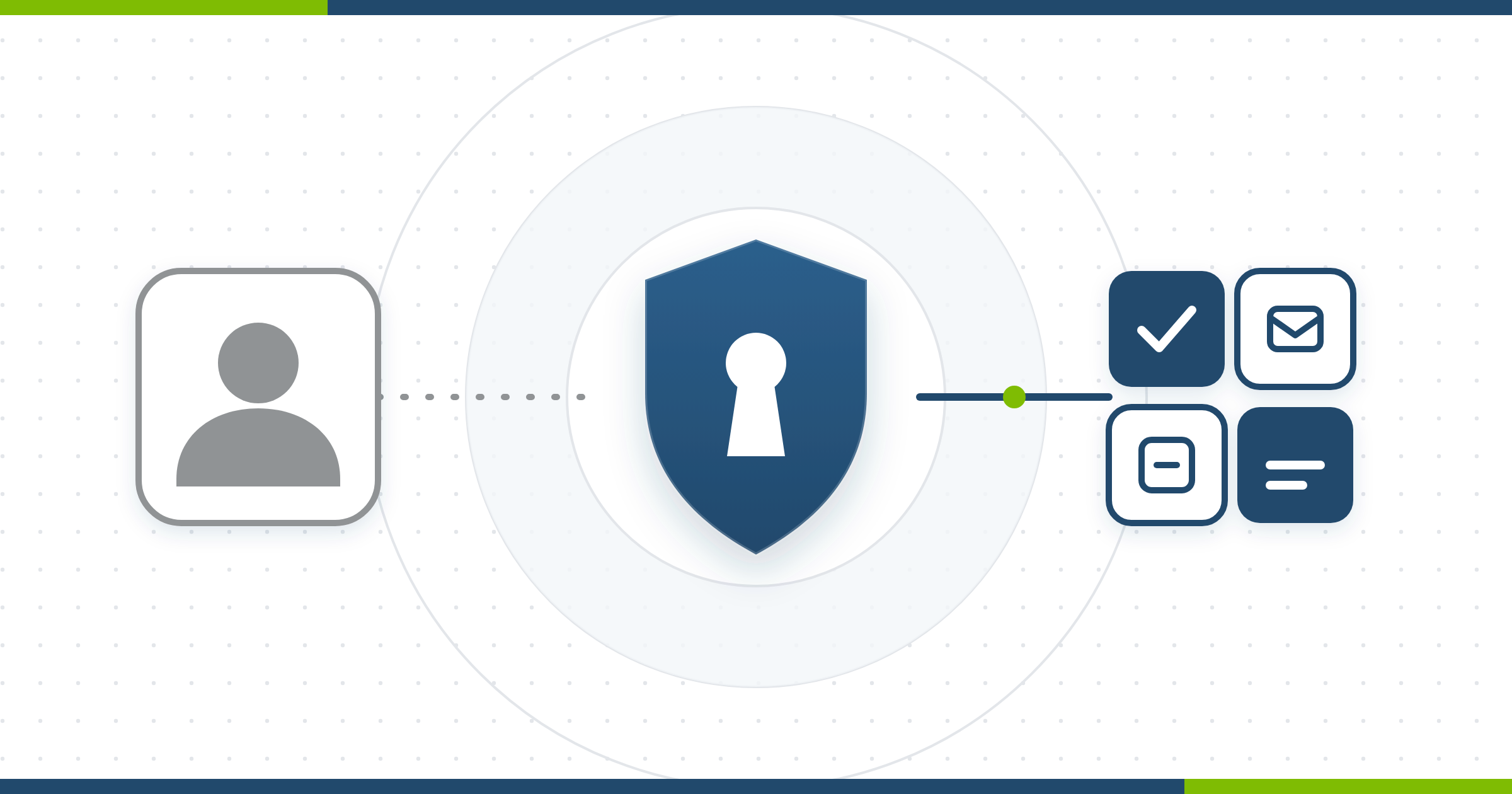
Claude’s Microsoft 365 connector acts as the signed-in user. It can read that person’s email, calendar, Teams chats, meeting transcripts, and the OneDrive and SharePoint files they can open. If write tools are turned on, it can also send mail, edit files and post in Teams. Before anyone can connect, a Microsoft Entra Global Administrator has to authorize it for the whole tenant.
That last point matters most. Letting personal accounts connect is not a per-person setting. It is a tenant decision that someone with the keys has to make.
Personal accounts and business accounts are different things
Personal Claude plans (Free, Pro, Max) fall under Anthropic’s consumer terms. Those users can opt in to having their chats used to improve the models, and opting in extends retention to five years. Business plans, such as Team and Enterprise, and the API fall under commercial terms and are not part of that training change.
The account itself is also the person’s, not the company’s. When an employee leaves, you cannot see their history, export it or delete it. Anything they connected to your data stays connected until someone notices.
You are probably already seeing this
Netskope’s 2026 threat report found that close to half of workplace generative AI users were on personal accounts and apps. That share was lower than the year before, but the volume of prompts kept climbing. Policy violations involving data and AI roughly doubled. People are not waiting for permission.
SWOT: personal AI accounts connected to Microsoft 365 with no policy
Strengths
- Staff get faster at email, summaries and document work.
- Low cost to start, and people already know the tools.
- Employees feel trusted and engaged.
- Shows the business is willing to adopt new tools.
Weaknesses
- The company does not own the accounts or the history.
- No audit trail the company controls.
- Consumer terms and retention rules apply to business content.
- No policy tells people what they may paste or connect.
Opportunities
- Turn the interest into a governed rollout on a business plan.
- Write a short acceptable use policy and train staff once.
- Tighten Microsoft 365 consent settings and review existing apps.
- Offer AI as a managed service rather than a shadow one.
Threats
- Client, patient or financial data ends up in the wrong place.
- Malicious apps copy the consent prompt to trick users into granting access.
- Contracts, cyber insurance or regulators may expect controls you cannot show.
- Departing staff keep access to company data through a personal account.
What we recommend instead
- Pause the personal-account plan. Ask who approved it and what data it touches.
- Check your tenant. Review the user consent setting in Entra, turn on the admin consent workflow so requests go to a reviewer, and look at which apps already have access.
- Write a one-page policy. Say which tools are approved, what data may never be pasted, and who to ask.
- Use business accounts. Company-owned plans give you admin control, commercial terms and a way to remove access.
- Start small. Pick one team, one use case, read-only access, and review it after a month.
Microsoft’s own guidance is simple. Admin consent is a sensitive step. If you do not understand who controls an app or why it wants the access, do not grant it.
Where Open Tier fits
We can review your Microsoft 365 consent settings, build your acceptable use policy with you, and help choose and roll out an approved AI tool. We do not claim any certification as part of that work. We help you make the choice deliberately instead of by accident.
If your team is already asking, call us before you say yes.
Sources
About The Author